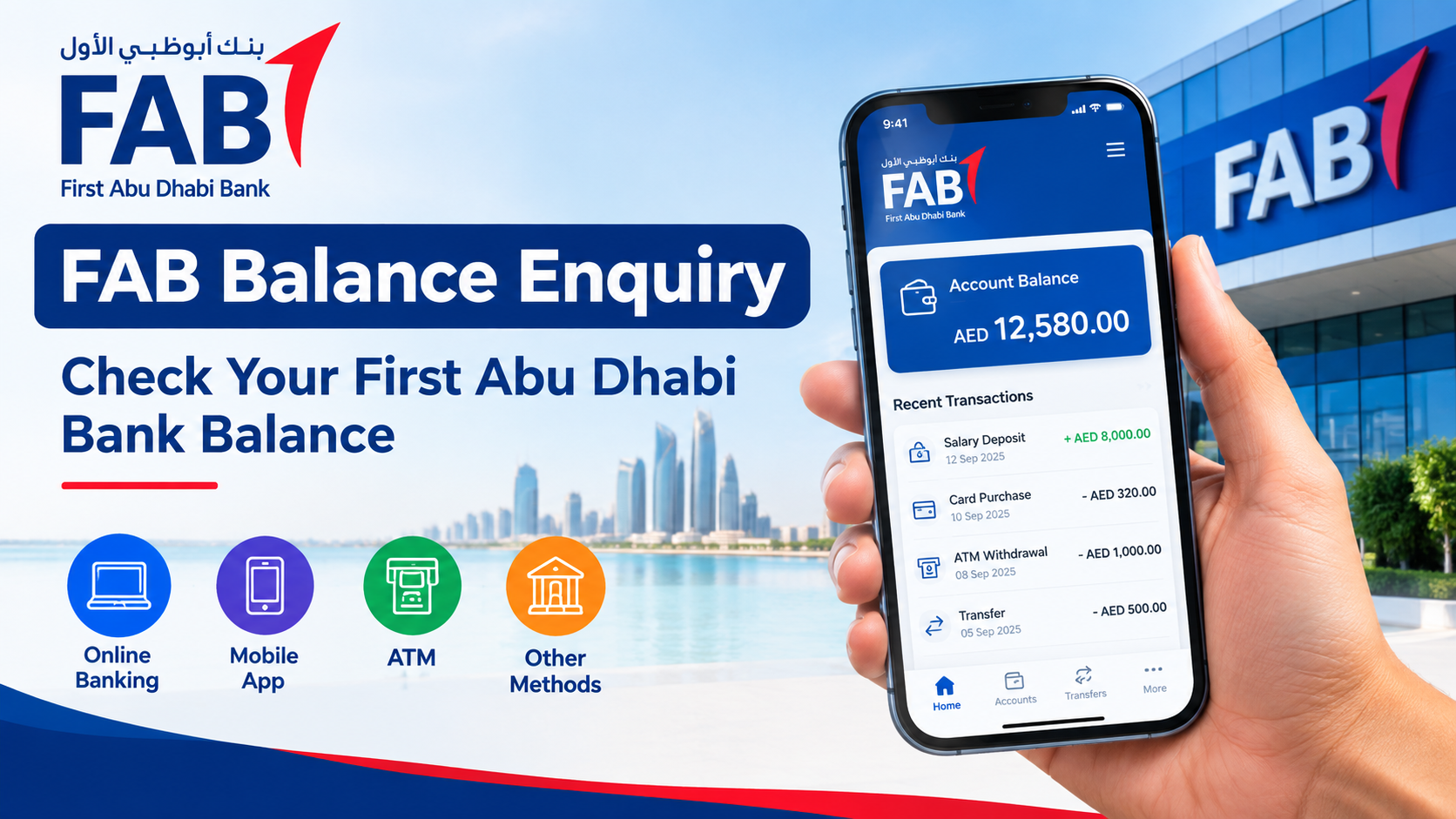
Checking your bank balance is an important part of managing your money. If you have an account with First Abu Dhabi Bank (FAB), you have several simple ways to check your available balance. Whether you are at home, at work, or on the go, you can use digital banking, an ATM, or other banking services to make a FAB balance enquiry.
FAB provides banking services for customers in the UAE and other markets. Its digital tools make it easier to manage accounts, review transactions, and check available funds without visiting a branch.
In this guide, we explain the main ways to complete a FAB balance enquiry, what information you may need, and how to avoid common problems when checking your balance.
What Is FAB Balance Enquiry?
A FAB balance enquiry means checking the amount of money currently available in your First Abu Dhabi Bank account. Your balance can help you understand how much money you have before making payments, withdrawing cash, or transferring funds.
Depending on the banking service you use, you may also be able to view recent transactions, pending payments, and other account information.
For example, if you are expecting your salary, you can check your account to see whether the payment has arrived. Similarly, before paying a bill, you can check your available balance to make sure you have enough funds.
Why Should You Check Your FAB Balance Regularly?
Regular balance checks can help you manage your finances more effectively. You do not need to wait until the end of the month to see how much money you have.
Here are some important reasons to check your account:
- Track your spending: Regular checks help you understand where your money is going.
- Avoid declined payments: Knowing your available balance can help you avoid failed transactions.
- Confirm your salary: You can check whether your salary or another expected payment has been credited.
- Identify unusual transactions: Checking your account regularly can help you notice transactions you do not recognize.
- Plan upcoming payments: Your balance can help you decide how much you can spend or save.
- Monitor your account: Frequent checks give you a clearer picture of your financial activity.
How to Perform a FAB Balance Enquiry Online
One of the easiest ways to check your account is through FAB’s online banking services. Online banking allows customers to manage many banking tasks through a computer or other supported device.
To check your balance online, you generally need to:
- Visit the official FAB online banking service.
- Enter your required login details.
- Complete any security verification requested by the bank.
- Open your account information or account summary.
- Check your available balance and recent transactions.
The exact steps and screen options can change when the bank updates its online banking platform. Always use the official FAB website when entering your banking credentials.
Never enter your username, password, PIN, or one-time password on an unknown website.
FAB Balance Enquiry Through the Mobile Banking App
Mobile banking is another convenient option for customers who want to check their balance quickly. A banking app can allow you to access your account without visiting a branch or ATM.
After installing the official FAB mobile banking application, you can sign in using the security method supported by the bank. Once you are logged in, look for your account or balance section.
Depending on your account and the current app features, you may also be able to:
- View account balances
- Review recent transactions
- Transfer money
- Pay bills
- Manage cards
- Check account information
- Receive banking notifications
Before downloading a banking application, make sure you are using the official app from a trusted app store. Avoid downloading banking apps from links sent by unknown people.
FAB Balance Enquiry Using an ATM
If you prefer to use an ATM, you can check your balance using a FAB ATM or another compatible ATM, depending on the services available.
A typical ATM balance enquiry may involve these steps:
- Insert or use your bank card at the ATM.
- Enter your card PIN.
- Select the balance enquiry option.
- Choose the relevant account if prompted.
- View your balance on the screen or request a receipt if available.
ATM menus can differ depending on the machine and the services supported. Always follow the instructions displayed on the ATM screen.
When using an ATM, protect your PIN from people nearby. Do not allow strangers to assist you unless you are at an official banking location and have requested help.
Can You Check Your FAB Balance Without Visiting a Branch?
Yes, many customers can check their balance using digital banking or an ATM instead of visiting a branch.
Online banking and mobile banking are particularly useful because they can save time. You can check your account from almost anywhere with a reliable internet connection and the required security credentials.
However, you may need to contact FAB or visit a branch if you have a problem accessing your account, your account has restrictions, or you need assistance with a service that cannot be completed digitally.
FAB Balance Enquiry for Salary Accounts
Many people in the UAE use bank accounts to receive their monthly salary. Checking your balance can be useful when you are expecting a salary payment.
For example, if your employer normally pays your salary around a particular date, you can use mobile or online banking to check whether the amount has been credited.
Keep in mind that the exact time a salary appears in your account can depend on the employer, payroll process, banking procedures, weekends, holidays, and other factors.
If your salary is delayed, checking your recent transactions can help you determine whether a payment has already been received.
What Is the Difference Between Available Balance and Account Balance?
When checking your bank account, you may see different balance information. It is important to understand what the figures mean.
The available balance generally represents the amount that can currently be used, subject to the terms and conditions of your account.
Your displayed account balance may not always be the same as the amount you can immediately spend. Pending transactions, holds, card payments, or other adjustments can affect the available amount.
If you are unsure why two balance figures are different, check the transaction details or contact FAB through its official customer service channels.
How to Check Recent FAB Transactions
A balance tells you how much money is in your account, but checking recent transactions can provide more information.
When reviewing transactions, look for:
- Salary deposits
- Cash withdrawals
- Card purchases
- Bank transfers
- Bill payments
- Fees or charges
- Other deposits or deductions
Reviewing transactions regularly can help you identify mistakes or unfamiliar activity. If you see a transaction you do not recognize, contact the bank promptly through an official channel.
What to Do If Your FAB Balance Is Not Updated
Sometimes your balance may not appear exactly as expected. This can happen for several reasons.
A transaction may still be processing, a transfer may take time to complete, or the banking system may be temporarily unavailable. Certain payments can also take longer to appear depending on the transaction type.
If you notice an unexpected balance:
- Check your recent transactions.
- Check whether the payment is pending.
- Wait for the normal processing period where applicable.
- Try checking again through another official banking channel.
- Contact FAB if the issue continues.
Do not share your banking password or OTP with anyone who claims they can fix the issue for you.
Common Problems During FAB Balance Enquiry
Customers can sometimes face problems when trying to check their balance. Common issues include forgotten login details, an internet connection problem, an unavailable ATM, or a temporary technical issue.
Forgotten Login Details
If you cannot remember your online banking login information, use the bank’s official recovery process. Avoid using unofficial websites or asking strangers for assistance.
Mobile App Problems
If the mobile app is not working correctly, check your internet connection and make sure you are using the latest official version. If the problem continues, use an official FAB support channel.
ATM Issues
If an ATM does not provide the expected service, try another official ATM or use digital banking if available.
Temporary Banking Service Problems
Online services can occasionally experience maintenance or technical problems. If your balance is not loading, wait and try again later. For urgent concerns, contact FAB directly.
Safety Tips for Checking Your FAB Balance
Banking security should always be a priority. Follow these basic safety tips whenever you perform a FAB balance enquiry:
- Use only official FAB websites and applications.
- Never share your password with anyone.
- Never share an OTP with another person.
- Keep your banking app and phone software updated.
- Avoid logging into banking services on public computers.
- Use a secure internet connection whenever possible.
- Check your transactions regularly.
- Contact the bank immediately if you notice suspicious activity.
- Do not click unknown banking links sent through messages or email.
- Always verify the website or app before entering financial information.
These simple steps can reduce the risk of unauthorized access to your account.
Benefits of Digital FAB Balance Enquiry
Digital banking has made balance checking much easier. Instead of traveling to a branch, customers can often access account information through online or mobile banking.
Some key benefits include:
Convenience: You can check your balance without standing in a queue.
Speed: A balance enquiry can usually be completed quickly.
Accessibility: Digital banking can be available outside normal branch hours.
Transaction visibility: You can often review recent account activity along with your balance.
Better money management: Regular checks can help you keep track of spending and upcoming payments.
When Should You Contact FAB?
A simple balance enquiry usually does not require customer support. However, you should contact FAB if you notice something unusual or cannot access your account.
Consider contacting the bank if:
- Your balance appears incorrect.
- You see an unfamiliar transaction.
- Your card is lost or stolen.
- You cannot access your account.
- A payment or transfer has an unexpected status.
- You need help with account security.
- You have questions about fees or charges.
Always use the contact details provided through FAB’s official website, mobile application, or your banking documents.
Final Thoughts on FAB Balance Enquiry
A FAB balance enquiry is a simple way to stay informed about your money. Whether you use mobile banking, online banking, or an ATM, checking your balance regularly can help you manage your spending and detect unusual account activity.
Digital banking is especially convenient because it allows you to check account information without visiting a branch. However, security is just as important as convenience. Always use official FAB channels and keep your login information private.
By making balance checks part of your regular financial routine, you can stay more organized and make better decisions about your money.
FAQs About FAB Balance Enquiry
1. What is FAB balance enquiry?
FAB balance enquiry is the process of checking the available balance in your First Abu Dhabi Bank account. You can use supported banking channels such as online banking, mobile banking, or an ATM.
2. Can I check my FAB balance online?
Yes, FAB customers can use the bank’s official digital banking services to access account information, subject to their account and service availability.
3. Can I check my FAB balance using a mobile phone?
Yes. You can use the official FAB mobile banking application or another official mobile banking service supported by the bank.
4. Can I check my FAB balance at an ATM?
Yes, a balance enquiry may be available through compatible FAB ATMs. You normally need your bank card and PIN to access the service.
5. Why is my FAB balance different from the amount I expected?
Your balance can be affected by pending transactions, recent payments, transfers, holds, fees, or other account activity. Review your recent transactions and contact FAB if you believe there is an error.
6. Is it safe to check my FAB balance online?
Online balance checking can be safe when you use official FAB banking services and follow good security practices. Never share your password, PIN, or OTP with another person.
7. What should I do if I see an unknown transaction?
Review the transaction details and contact FAB through an official customer service channel as soon as possible. Do not share sensitive banking information with anyone claiming to investigate the transaction through an unofficial channel.
8. Do I need to visit a FAB branch to check my balance?
Not necessarily. Many customers can perform a FAB balance enquiry through digital banking or an ATM. A branch visit may only be needed for certain account services or problems that cannot be resolved through digital channels.
