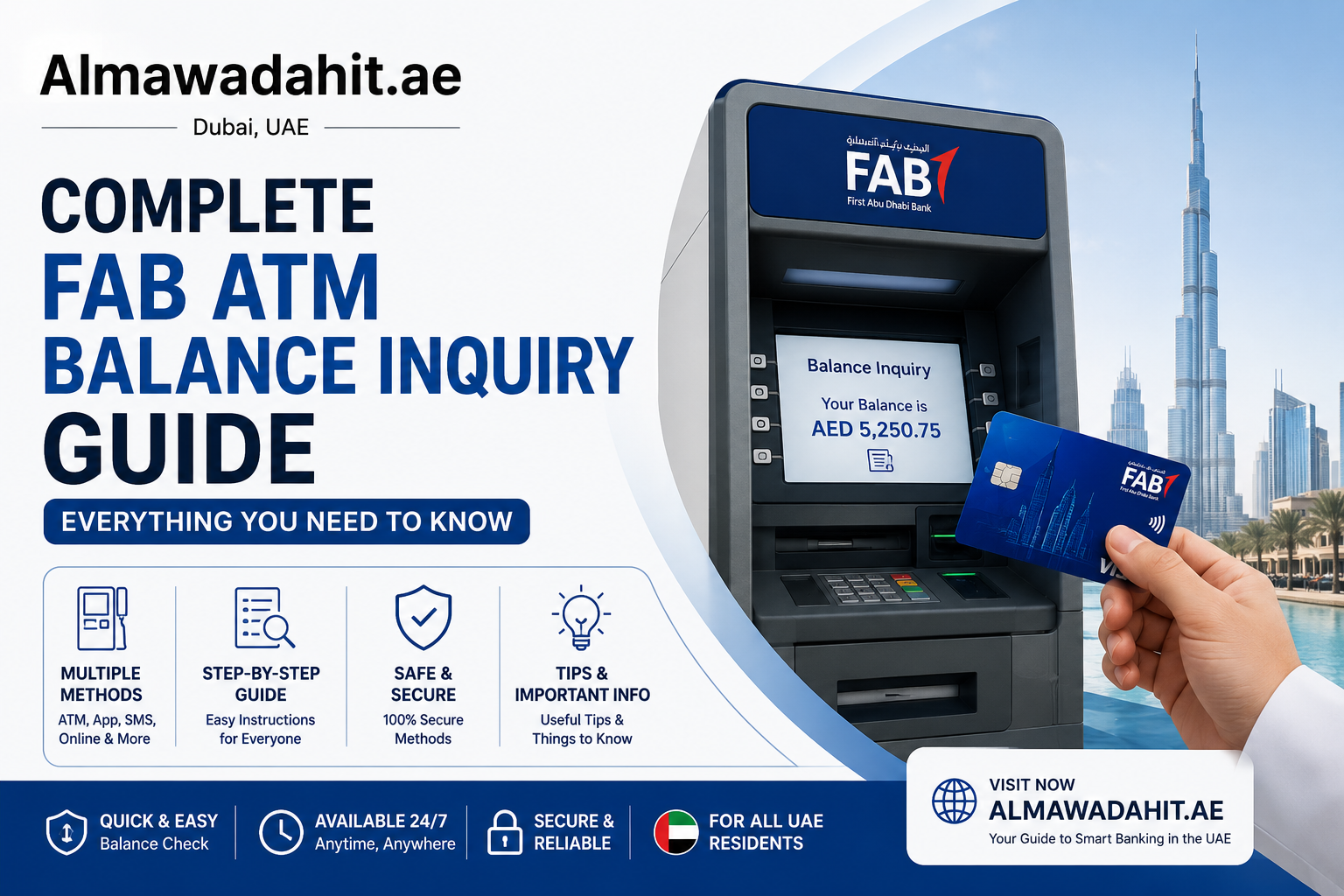
One of the fastest and easiest ways for First Abu Dhabi Bank customers to check their FAB account balance is at an ATM. At FAB ATMs across the UAE, you can instantly and securely check your balance using any type of card. Using a Ratibi card, prepaid card, salary card, or credit card makes checking your balance fast, easy, and hassle-free.
This guide covers all you need to know about FAB ATM balance checks, including the types of cards that can be used, how to perform a balance check, the alternative way to check your FAB account, and a few security tips.
Why Check Your Balance at an FAB ATM?
Using an ATM to check your FAB balance is convenient and hassle-free. There is no need to have Internet access, mobile banking or a smartphone. Just place your FAB card in any FAB ATM to check or print your FAB account balance.
Key Benefits
Instant access to account information
Operating in the UAE day and night!
Complimentary for FAB members
Simple and user friendly process.
How to Check FAB Balance at an ATM
It is easy to check your balance at a FAB ATM. Just requires an FAB card & pin.
To locate the nearest FAB ATM, click on step 1.Click on step 1 to find the closest FAB ATM.
FAB ATMs can be found in malls, supermarkets, metro stations, petrol stations and commercial areas across the UAE.
Popular locations include:
Abu Dhabi Corniche
Dubai Mall
Sharjah City Centre
Ajman Lulu Hypermarket
Use Google Maps or the FAB branch locator to learn where your nearest ATM is located.
The next step is to insert your FAB Card.
Put FAB card into ATM machine. The ATM automatically recognizes the card type (salary card, Ratibi card, prepaid card, credit card).
With chip-enabled cards, put the chip in face-up.
Step 3 – Select the language you prefer.
Select either:
English
Arabic
Once you’ve chosen your language, the ATM will display the main menu.
Securely enter your PIN – Step 4.
Type your 4-digit PIN while covering the keypad to prevent others from seeing it.
If the PIN is forgotten or the card is blocked after multiple wrong PIN attempts, visit the nearest FAB branch with your Emirates ID for assistance.
Step 5 – Click on “Balance Inquiry”
On the ATM menu, select:
Balance Inquiry
Check Balance
Account Balance
Other alternatives can be considered as:
Cash Withdrawal
Deposit
Mini Statement
In step 6, you’ll be able to view or print out your balance.
The current amount of your account will be shown on the screen immediately. A receipt can be printed as well.
Before leaving:
Take your card
Collect your receipt
Make sure that the session is over.
Check the balance of various types of cards using FAB ATM Balance Check.
There are several types of cards that can be used with FAB and the ability to check the balance works a little differently depending on the type of card.
To check the balance of a FAB Salary Card, follow these steps:
Employers are known to give employees FAB salary cards for salary transfers.
To check the salary card balance, you can follow these steps:
Please use your salary card to enter:
Enter your PIN
Select “Balance Inquiry”
See the salary balance you can access at a glance.
People without a bank account can benefit from this service.
FAB Ratibi Card Balance Check
The FAB Ratibi card is a payroll card designed for people who do not have a bank account.
Steps to Check Ratibi Balance
Visit any FAB ATM
Insert your Ratibi card
Choose your language of choice
Choose “Balance Inquiry”
The balance will be displayed on the screen.
This enables staff to easily and rapidly track payroll.
To view the balance of a FAB Prepaid Card.
FAB prepaid cards are great for traveling, online shopping, and budgeting.
How to Check Prepaid Card Balance
Put your prepaid card into a FAB ATM
Select “Balance Inquiry”
Check the balance of your card
FAB Credit Card Balance Check
FAB credit cardholders can check the following information at ATMs:
Outstanding balance
Available credit limit
Due payments
Just enter in your credit card and select “Credit Card Balance Inquiry.”
FAB ATM Network in the UAE
FAB owns one of the largest ATM Network in UAE.
Muscatemarat Around 20 ATM’s Popular places
Dubai Marina 300+ Corniche, Yas Mall, Al Wahda Mall
The service is available at locations across Dubai, including Dubai Mall, Deira, JLT, and Business Bay.
Rolla, Al Nahda, City Centre, Sharjah: 150+
80+ Ajman City Centre, Corniche Road
Al Hamra Mall, Ras Al Khaimah 60+ Mall Of Ras Al Khaimah
Fujairah 40+ City Centre Fujairah
UAE Dubai University City (UAQ Corniche) 20+ UAQ Corniche
Common FAB ATM Balance Check Problems & Solutions
The card is not recognized by the ATM.The ATM does not accept the card.
If your ATM is not detected:
Gently wash the card.
Try another FAB ATM
If the problem persists, go to a FAB branch.
More than two incorrect PIN entries may disable your card.
Your card can be temporarily blocked after 3 failed attempts.
Solution
Call FAB Customer Service
Go to any OPW branch to change your pin.
3. Balance Not Showing
Possible reasons:
Card not activated
Not received Salary/top-up yet.
Temporary system issue
Always double check that money has been deposited into your account.
4. Receipt Not Printing
Paper is sometimes exhausted at the ATM. Paper at the ATM may sometimes be exhausted. If the receipt does not print, the balance will still appear on the screen.
Remember these tips when using an ATM.
Protect Your PIN
Do not enter your PIN on any keypad or share it with anyone. Cover the keypad with your hand when entering your PIN.
Always take advantage of secure ATM locations.
Select ATMs that are situated in:
Shopping malls
Bank branches
Well-lit public areas
Don’t use one or two small machines that are not well lit.
Look for Skimming Devices
Check the card slot and keypad for any unusual attachments at the ATM before use.
Pick up Your Card and Receipt.
Always take your card and receipt before leaving the ATM.
Monitor Your Transactions
Regularly review your account statement or mobile banking app to identify unauthorized transactions.
There are other methods for checking the FAB balance.
Customers can also check their account balance through ATMs and other banking channels.
FAB Mobile Banking App
FAB Online Banking
SMS Banking
Customer Care Support
Once activated, SMS Banking can be used for the following services:
BAL to 2121
Final Words
FAB ATM balance checks are convenient, secure and speedy for UAE citizens to check their account information from anywhere at any time. You can use salary cards, Ratibi cards, prepaid cards, or credit cards. FAB’s large ATM network makes it accessible anywhere in the UAE.
You can manage your finances with FAB using online banking, mobile apps, and SMS banking.
FAQs
How to verify FAB balance the quickest?
The fastest methods are to use a FAB ATM or to send an SMS Banking to 2121.
Can I use another bank’s ATM to check my FAB account balance?
Yes, but some banks may charge additional fees. FAB ATMs are suggested to be used for balance inquiries without any fees.
Does FAB charge for checking the balance in your ATM card?
Yes, FAB cardholders can check their account balance at FAB ATMs without any limit on the number of balance inquiries.
How to check FAB Ratibi card balance online?
Use the FAB Ratibi portal, FAB mobile banking or go to a FAB ATM.
What is the way to unblock my FAB card?
Re-activate or replace your card at any FAB branch or by calling FAB Customer Care on 600 52 5500.
