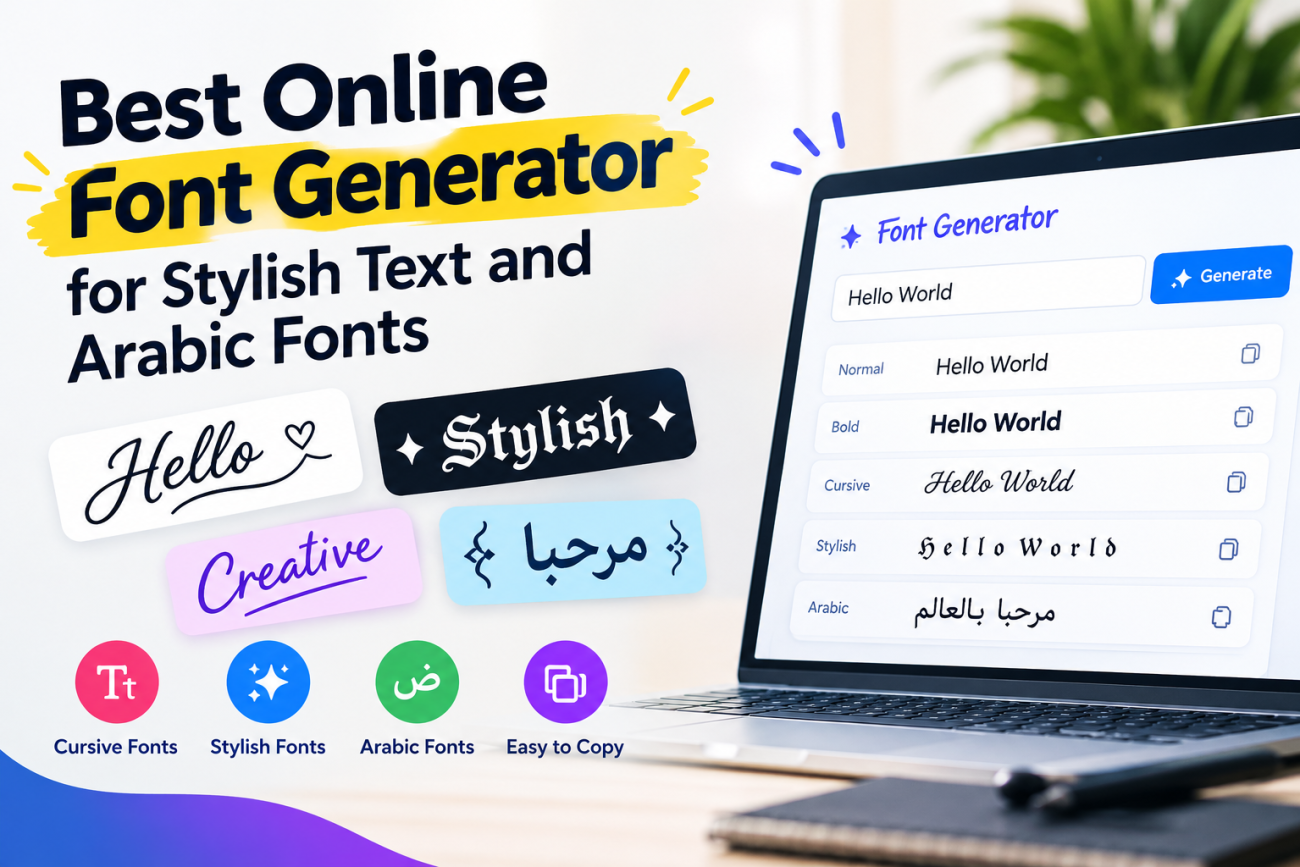
A font generator is a useful online tool that helps you turn simple text into stylish and attractive fonts. Whether you want to improve your social media profile, create a unique username, design eye-catching posts, or write beautiful Arabic text, a font generator makes the process easy. You do not need graphic design skills or special software to get started.
Today, people use different font styles on Instagram, Facebook, TikTok, WhatsApp, gaming profiles, and websites. Stylish text can help your content stand out and make your online identity more memorable. With the right font generator, you can create bold, cursive, fancy, and decorative text in just a few seconds.
In this guide, we will explore how a font generator works, the most popular font styles, how to use an Arabic font generator, and how to choose the best tool for your needs.
What Is a Font Generator?
A font generator is an online tool that converts regular text into different decorative text styles. You enter a word, name, or sentence, and the tool produces several styles that you can copy and use wherever you want.
For example, a simple word such as “Hello” may appear in bold, cursive, or decorative lettering. Many generators use special Unicode characters to create these effects. This means you can often copy the generated text directly into social media bios, captions, comments, and messages.
Most font generators are easy to use and work on computers, tablets, and smartphones. Many are also free, so users can experiment with different styles without paying for expensive design software.
Why Use a Font Generator?
There are several reasons why people use font generators:
- Save time: Create different text styles within seconds.
- Improve your profile: Make your social media bio more attractive.
- Express your personality: Choose fonts that match your personal style.
- Create unique usernames: Make your gaming or social media name look different.
- Design engaging content: Use decorative text for captions, headings, and short messages.
- Support different languages: Some tools offer Arabic text styles and other language options.
A good font generator gives you a quick and simple way to make ordinary text look more interesting.
Popular Types of Font Generators
Different font styles serve different purposes. Choosing the right one depends on where you want to use your text and the impression you want to create.
1. Cursive Font Generator
A cursive font generator turns ordinary text into flowing, handwritten-style lettering. These fonts often look elegant and creative, making them popular for social media bios, personal messages, invitations, and aesthetic captions.
Cursive text can also add a personal touch to short quotes or names. However, some cursive styles may be difficult to read when used in long paragraphs.
For the best results, use cursive fonts for short headings, usernames, and decorative phrases rather than important information that everyone needs to read easily.
2. Stylish Font Generator
A stylish font generator offers a wide range of decorative text options. These may include bold letters, italic styles, outlined characters, symbols, and unusual text designs.
This type of generator is ideal for users who want more freedom when creating social media content. You can test different styles and choose the one that best matches your personality or brand.
Stylish fonts are especially useful for Instagram bios, Facebook posts, TikTok profiles, WhatsApp statuses, and gaming names. They can help highlight important words and make short messages more noticeable.
Still, it is important to avoid using too many decorative characters. Simple and readable text usually provides a better experience for your audience.
3. Arabic Font Generator
An arabic font generator helps users create attractive Arabic text for personal, educational, and creative purposes. Arabic has a unique writing system, and its letters connect differently depending on their position within a word.
Arabic font tools may provide different styles for names, greetings, short quotes, and social media content. Some tools also support decorative Arabic lettering for designs and digital artwork.
Before using an Arabic font generator, check whether it supports the Arabic characters you need. Not every tool handles Arabic correctly, and some decorative styles may display differently across devices.
If you are creating content for a business, website, or educational project, choose an Arabic font that remains clear and easy to read.
4. Font Generator عربي
Searching for font generator عربي can help Arabic-speaking users find tools that support Arabic text and language preferences.
These tools may allow users to enter Arabic words and explore available lettering styles. They can be helpful for creating profile names, social media captions, greetings, and decorative text.
When choosing a tool, look for a simple interface, proper Arabic character connections, and support for right-to-left writing. These features are important because Arabic text should appear in the correct order.
You should also test the generated text before sharing it. Some special characters may not work properly in certain applications, so the final appearance can depend on the platform and device.
How to Use a Font Generator
Using a font generator is usually simple, even if you have never tried one before. Follow these steps to create your preferred text style.
Step 1: Open a Font Generator Tool
Choose an online font generator that offers the styles you want. If you need decorative Arabic text, select a tool that specifically supports Arabic characters.
Step 2: Enter Your Text
Type your name, sentence, username, or other text into the input box. Start with a short word if you want to compare several styles quickly.
Step 3: Explore Different Styles
The tool may display multiple versions of your text. Look through the available options, including bold, cursive, fancy, and decorative lettering.
Try several designs before selecting your favorite.
Step 4: Copy Your Favorite Font
Once you find a style you like, use the copy option if available. You can then paste the generated text into a supported application or platform.
Step 5: Test Your Text
Check how the text appears after pasting it into your chosen platform. Make sure the letters display correctly and the message remains easy to understand.
This final step is especially important for Arabic text and decorative Unicode characters.
Best Uses of a Font Generator
A font generator can be useful in many everyday situations.
Social Media Profiles
You can use stylish fonts to customize your Instagram bio, Facebook profile, TikTok description, or other social media accounts. Decorative text can help highlight your name, interests, or a short personal message.
WhatsApp Messages and Statuses
Some generated text styles work in WhatsApp messages and status updates. They can make greetings, short quotes, and special announcements look different from regular messages.
However, not every font style is supported in every part of the application.
Gaming Usernames
Gamers often use decorative lettering to create distinctive usernames. A stylish font can help a name stand out in a profile or gaming community.
Before choosing a design, confirm that the game accepts the characters you want to use.
Business and Marketing Content
Businesses can use font generators to create ideas for promotional captions, social media headings, and short announcements. Stylish text may help draw attention to a message when used carefully.
For professional designs, downloadable fonts may be more suitable because they offer better control over spacing, appearance, and branding.
Arabic Content and Greetings
An Arabic font generator can help users create decorative greetings, short messages, and personalized social media posts. Always check the spelling and readability of Arabic words before publishing the final text.
How to Choose the Best Font Generator
Not every font generator provides the same features. Before choosing a tool, consider the following points.
1. Variety of styles: Choose a tool that offers enough options, including cursive, bold, stylish, and decorative fonts.
2. Easy copying: A simple copy-and-paste process makes the tool more convenient.
3. Language support: If you need Arabic text, make sure the generator supports Arabic characters and right-to-left writing.
4. Mobile compatibility: The tool should work smoothly on smartphones as well as computers.
5. Readability: The best font is not always the most decorative one. Choose a style that people can understand easily.
6. Privacy: Avoid entering passwords, private messages, or sensitive personal information into online tools.
7. Platform compatibility: Test the generated text on the website or application where you plan to use it.
By considering these features, you can find a font generator that meets your needs without making the process complicated.
Are Font Generators Free to Use?
Many online font generators are free. They allow users to enter text, explore different styles, and copy the results without creating an account.
Some tools may also provide premium features, downloadable font files, advanced customization, or additional design options.
Remember that generated Unicode text is not always the same as a downloadable font file. Unicode text changes the characters you copy, while a font file changes how text is displayed in compatible software.
If you need text for a social media bio, a free generator may be enough. If you are designing a website, logo, or professional document, you may need a proper font file and a suitable design application.
Tips for Getting Better Results
To get the most from a font generator, follow these simple tips:
- Use decorative fonts for short text rather than long articles.
- Keep important messages easy to read.
- Try several styles before making your final choice.
- Check that special characters display correctly on mobile devices.
- Use Arabic-compatible tools when working with Arabic text.
- Avoid excessive symbols that make your message confusing.
- Choose fonts that match the purpose of your content.
These small steps can help you create attractive text without reducing readability.
Final Words
A font generator is a simple and convenient way to transform ordinary text into attractive lettering. Whether you need a cursive font generator for elegant text, a stylish font generator for social media, or an Arabic font generator for Arabic writing, the right tool can help you create different styles in seconds.
You can use generated text for social media bios, usernames, messages, captions, and creative projects. Searching for font generator عربي can also help you find tools designed for Arabic text.
The key is to choose a generator that supports your language, works on your device, and produces readable results. Experiment with different styles, copy your favorite design, and use it wherever the platform supports the characters.
FAQs
1. What is a font generator used for?
A font generator converts ordinary text into decorative styles such as bold, cursive, italic, and fancy lettering. You can copy the results into supported social media platforms, messages, and other applications.
2. Is a stylish font generator free?
Many stylish font generators are free to use. Some also offer premium features, downloadable font files, or advanced customization options.
3. How can I use a cursive font generator?
Enter your text into a cursive font, choose your favorite handwritten-style design, and copy the result. You can then paste it into a supported profile, caption, or message.
4. What is the difference between an Arabic font generator and a regular font generator?
An Arabic font generator focuses on Arabic characters and may offer Arabic-specific styles and right-to-left text support. A regular font generator may mainly support English letters and other Latin characters.
5. Can I use generated fonts on Instagram and WhatsApp?
Yes, many generated Unicode text styles work on Instagram and WhatsApp. However, some characters may appear differently or may not be supported on every device or platform. Always test your text before sharing it.
